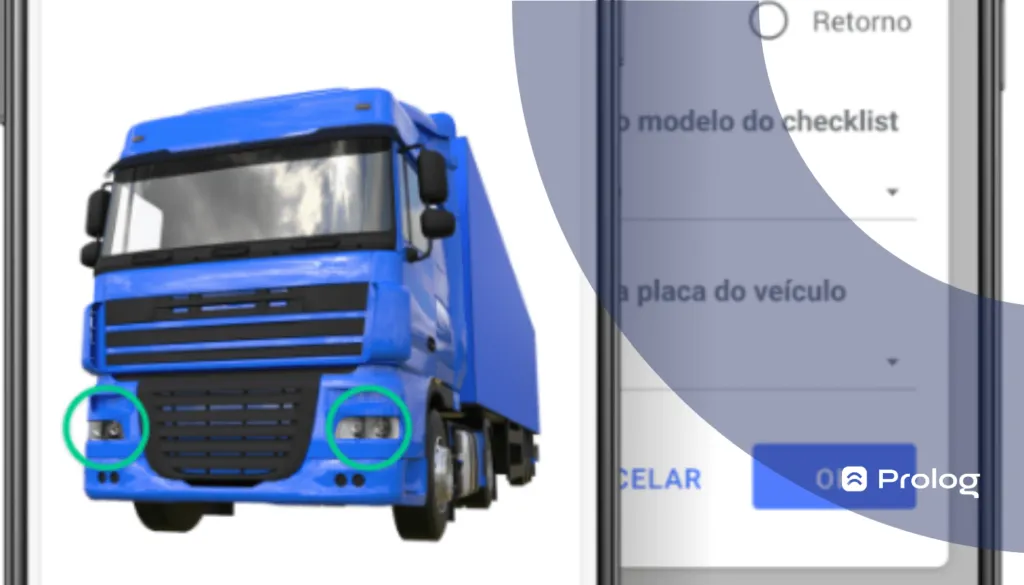
Checklist traffic light: released or blocked vehicles
 Luiz Felipe 3 min read
Prolog App's electronic checklist system is one of the most complete you can find today. In fact, our “checklist traffic light” feature is exclusive!
Although many systems and even spreadsheets let you view fleet license plates, not all provide a list as informative and with updates as soon as each checklist is completed, as in our checklist software.
Whether you are starting to use our solution or are curious to learn more before adopting it, let us begin:
What is the checklist traffic light?
This operational system feature gives you a health summary for all vehicles (license plates) in the fleet.
To explain further:
Preventive maintenance is carried out according to a schedule set in advance by the fleet manager. The vehicle checklist is used for this. When you use the digital checklist, all information is saved in the system and updated in real time as each checklist is completed.
And where does this data go?
Besides the various reports Prolog offers, the key information is recorded in the checklist traffic light.
Based on the latest checklists completed, the traffic light shows a list of all vehicles and which have open items (work orders) — you will see “released” or “blocked”.
What is this feature used for?
Mainly to help the team of drivers and mechanics quickly see which services need to be performed (and which are most urgent).
Simply access this section of the checklist system and you will immediately see all vehicles with open services. In addition, clicking the blocked machine opens the WO so the technician can check which issue needs correction.
How do you access the checklist traffic light in Prolog's system?
It is very simple!
You only need to open the Prolog app on your phone, find the sidebar of options and click checklist, which opens several options, including the checklist traffic light.
It can also be accessed in the web version of the Prolog system. To do this, visit Prolog's website and click “sign in” on the top bar. Once you are logged into your account, the next steps are the same: go to checklist and click checklist traffic light.
(video in Portuguese)
Why choose Prolog App's electronic checklist?
All our solutions here at Prolog focus on bringing speed, productivity and efficiency to your fleet's routine. And the results obtained with the electronic checklist are more than a promise: they are a reality!
With this system, you have:
- an intuitive design that is very easy to use;
- lower operating costs for paper, printing and employee time;
- a more sustainable alternative to the traditional checklist;
- increased productivity in transport operations;
- fewer vehicle losses and road accidents;
- greater visibility of vehicles and maintenance for the entire team;
- creation of customized questionnaires for each fleet need;
- automated, comprehensive reports for specific analyses.
With these and other benefits, you need our checklist in your fleet's daily routine.
Talk to one of our specialists to get your questions answered HERE or in the chat at the corner of the screen →
Frequently asked questions
What is Prolog's checklist traffic light?
How do I access the checklist traffic light in the app?
What is this screen used for in the workshop's daily routine?
Where does the data feeding the traffic light come from?
What else does Prolog's electronic checklist deliver?
// newsletter
Fleet management content, straight to your inbox
Articles on tires, maintenance and fleet operations. No spam.