Prolog login: how to access and train the team on the app
 Jean Zart 4 min read

Introducing Prolog App to your team and training them to use it may be the transformative step your fleet management needs.
Prolog App, with its features and focus on maintenance management and tire management, seeks to optimize the way your team works and generate better operational results.
However, to reap the benefits of these tools, it is essential that drivers and managers are well trained to use them correctly.
See below:
- How to train my team to use Prolog App
- Prolog App tutorial
- Overcoming common challenges in learning Prolog App
How to train my team to use Prolog App?
When training your team to use Prolog App, it is essential to adopt a structured and interactive approach.
The goal is to ensure that all team members, from managers to drivers, understand the app's features and how they can be applied in practice to improve fleet management.
You can follow 3 basic stages:
1 – General presentation
Introduce the team to Prolog App, highlighting its benefits and how it integrates with the fleet's daily operations.
In addition, you can show an overview of the main features and how they can optimize maintenance and tire management.
2 – Hands-on sessions
Hold hands-on sessions where team members can navigate the app and become familiar with its interface, while clearing up any doubts about its use.
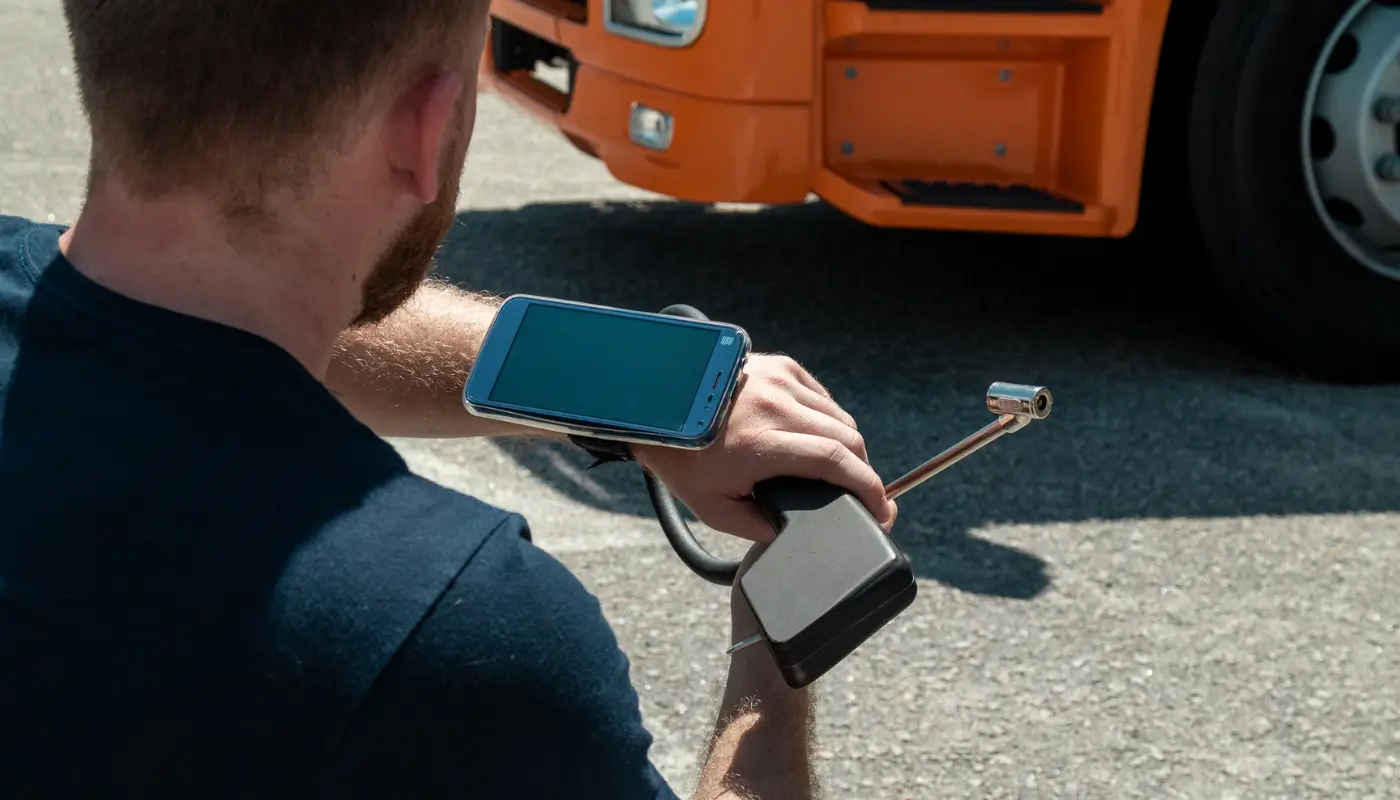
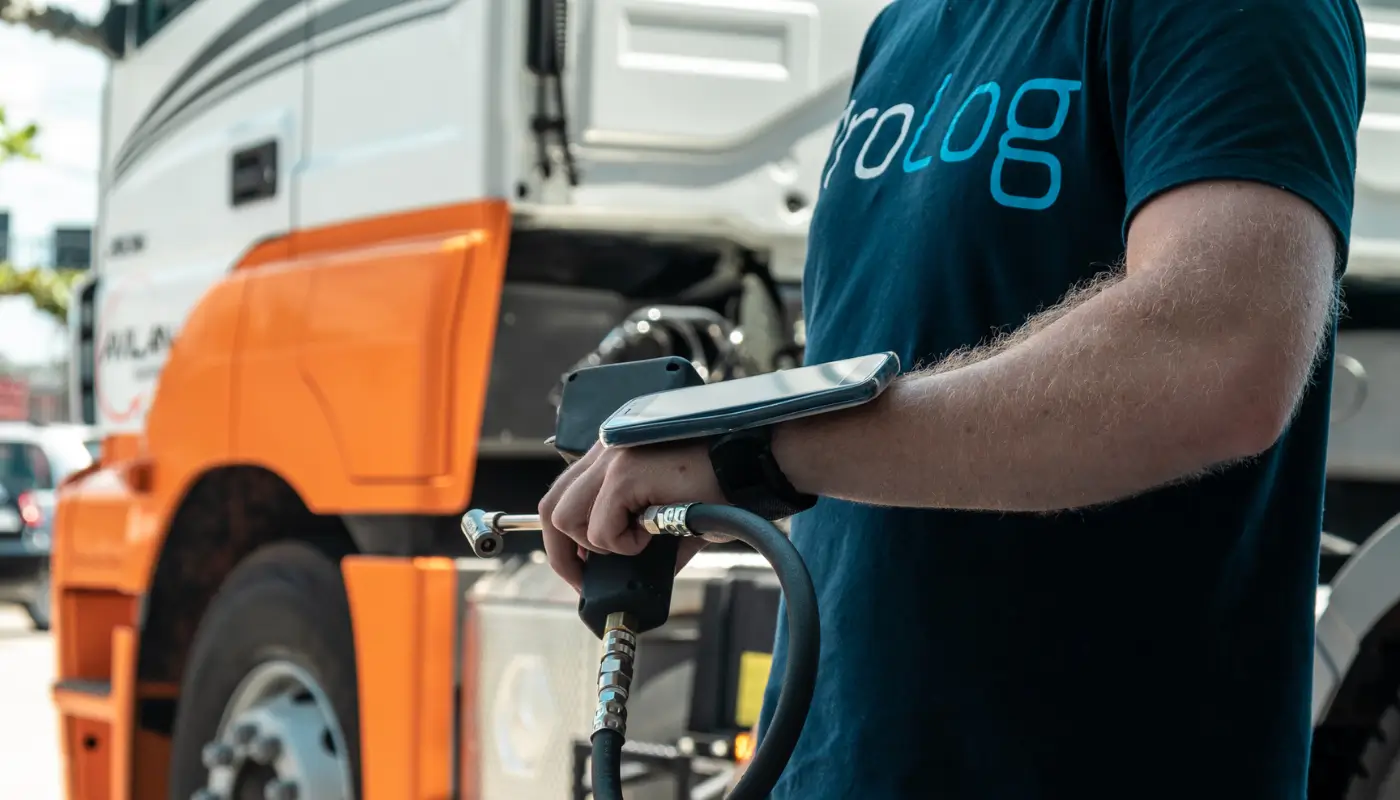
In the case of the tire management tool, with the electronic tread probe, accompany those responsible for the inspection to ensure that the process is being done correctly.
3 – Questions and answers sessions
After the hands-on sessions, you can set aside time for a questions and answers session, where the team can clear up doubts and discuss practical situations.
Use these sessions to address common concerns and offer troubleshooting tips.
Prolog App tutorial
Even though Prolog App delivers a large volume of data and information to fleet management, it is a simple and practical tool to use.
For each Prolog solution, you will have different features, and you may need to run different training sessions to use Prolog App. However, the basics you need to cover in the tutorial include:
Performing the inspection checklist
The drivers who will be responsible for using the electronic checklist, therefore, must know exactly where to start the process and what the best practices are. In the app on their phones, they must log in with the defined user login and password.
As soon as they open the dashboard, the “Perform checklist” option will be available.
From there, they must confirm their identification, select the questionnaire model (which must be indicated by the maintenance plan defined by the fleet manager) and the vehicle's license plate and, finally, whether the checklist is a departure or an arrival checklist.
After this stage of basic information, they will carry out the vehicle inspection according to the questions presented by the checklist.
Electronic tread probe and tire management system
(video in Portuguese)
The electronic tread probe is a very simple tool, especially for those who already measure tire tread depth and pressure in other ways.
Training to use Prolog App, in this case, should focus on teaching those responsible, the driver or the tire manager, to access the system and start the inspection process.
It is worth remembering that the tires must already be registered and identified in the system before any inspection process, which is a task for the fleet manager.
Maintenance management system
In this system, the main user will be you, the fleet manager, or the maintenance manager. Therefore, training to use Prolog App will be more targeted and, at times, even simpler.
After all, the main goal is to show the existing features.
Overcoming common challenges in learning Prolog App
When implementing Prolog App in fleet management, it is natural to face some common challenges, mainly due to adapting to new technologies and if the fleet does not yet have this technology culture.
One of the main barriers may be resistance to change on the part of some team members, such as those less familiar with digital apps.
To overcome this, you need to promote a culture of continuous learning and offer additional support, such as regular training sessions and accessible support material, such as video tutorials and step-by-step manuals.
Encourage the team to practice frequently with the app and create an environment where doubts can be discussed openly.
In addition, feedback from the first users should be used to adjust and improve the training process, making it more relevant and effective for the whole team.
Remember, patience and communication are essential to ease a transition in processes and for the efficient use of Prolog App.
One point you should also consider is that Prolog App has a customer success team and specialized support. Whenever difficulties or problems come up, all it takes is getting in touch.
Ready to optimize your fleet management with Prolog App? Schedule a free demo today.
Frequently asked questions
How to structure the team's training to use Prolog App?
What does the driver need to know to do the checklist in the app?
Is anything needed before using the electronic tread probe?
How to deal with the team's resistance to the new app?
Who uses the maintenance management system in practice?
// newsletter
Fleet management content, straight to your inbox
Articles on tires, maintenance and fleet operations. No spam.